1. Manual

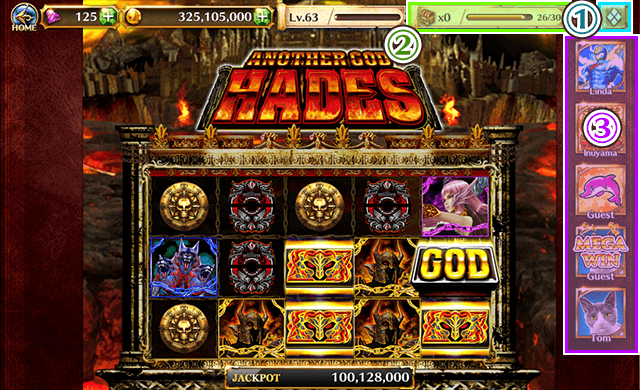
- 1. MENU... The Menu button. Shows the "Return to Home", "How to Play" menus and more.
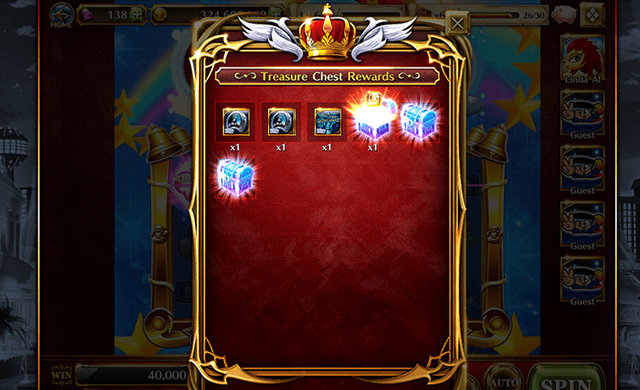
- 2. Treasure Chest... Shows Treasure Chests gotten while playing Slots, and a gauge that shows how long until the next Treasure Chest.
- 3. All Profile Icons... Shows Friends who are currently playing or who have recently played. Can show up to two non-Friend Players . Tap their Icon to view their Profile or send a Friend Request.
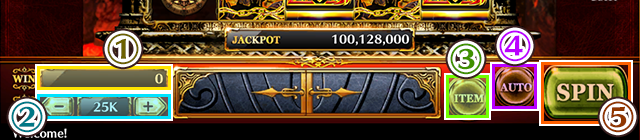
- 1. Win... Shows how many Coins you got from a Spin.
- 2. BET... Change your BET number with [-][+].
- 3. ITEM... Use Items.
- 4. Auto... Play Slots automatically with a max of 200 spins per go.
- 5. SPIN... Spin a Slot.